Both of these 34-inch curved monitors use a 3440 × 1440, 21:9 screen. It has roughly a third more pixels across than a 2560 × 1440 monitor, so a graphics card that delivers 144fps on a standard QHD screen will not necessarily do so here at the same settings. The decision is chiefly about panel type: the LG uses VA, while the Samsung uses OLED.
| Model | Panel and curve | Refresh | Standout trade-off |
|---|---|---|---|
| LG UltraGear 34G600A-B | VA, 1800R | 160Hz | Lower-cost route to 21:9; LCD dark-scene and motion behaviour |
| Samsung Odyssey OLED G8 G85SD | OLED, 1800R | 175Hz | Per-pixel blacks and fast response; OLED price and panel care |
LG 34G600A-B: the LCD ultrawide
The LG Australia specification lists a 34-inch VA panel, 3440 × 1440 resolution, 160Hz and a height-adjustable stand. VA’s published 4000:1 typical contrast is strong for an LCD. The advertised “1ms” figure is MBR, or motion blur reduction, whereas LG separately lists a 5ms grey-to-grey response in its detailed specification. Those are different measurements. If motion clarity in dark, fast-moving scenes is your top priority, do not read “1ms MBR” as a promise that it behaves like an OLED.
LG UltraGear 34G600A-B
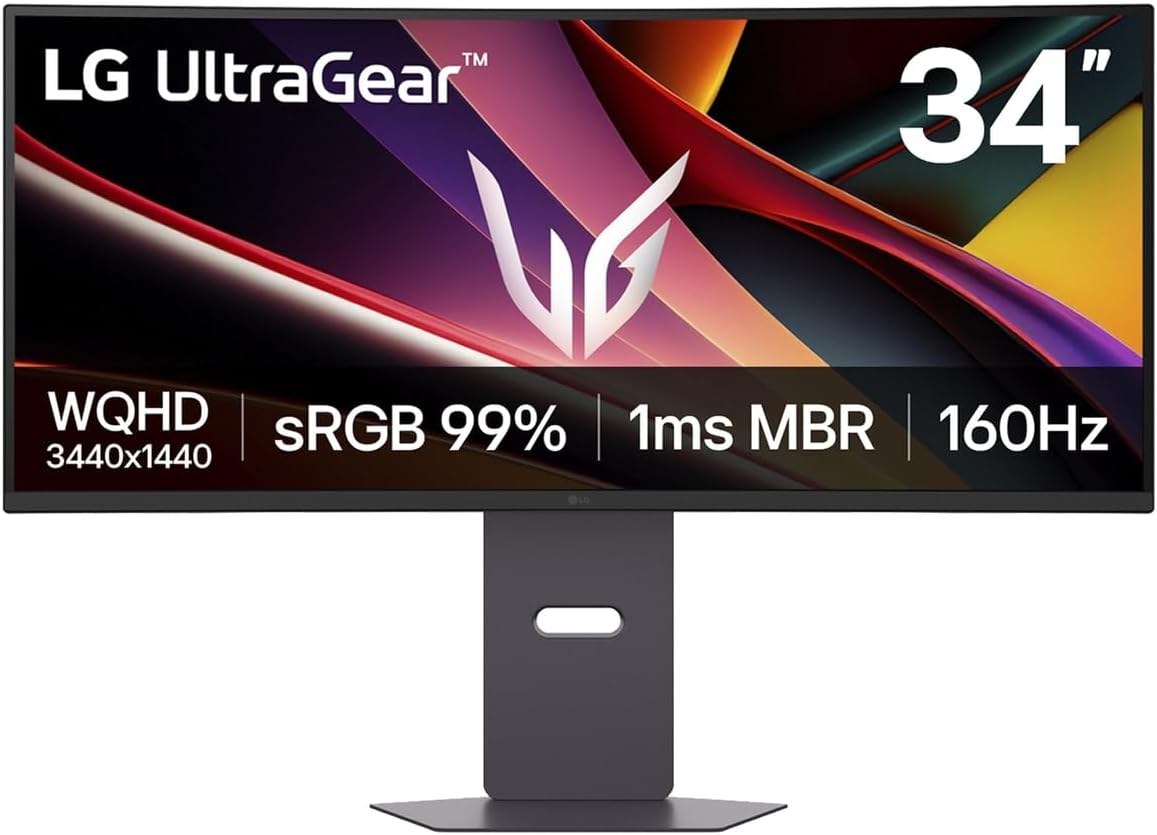
Panel: 34-inch 3440 × 1440 curved VA
Refresh: Up to 160Hz
Stand: Height, tilt and swivel
Samsung Odyssey OLED G8 G85SD: deeper blacks and a faster panel
Samsung’s Australian product page specifies a 34-inch 3440 × 1440 OLED screen, 175Hz, an 1800R curve and its matte OLED Glare Free finish. Pixels can switch off individually, so a black background has no LCD backlight glow. Samsung also includes smart TV and Gaming Hub features; whether those are useful depends on whether the monitor doubles as a streaming screen. OLED care features and warranty terms deserve a read if the screen will display static desktop windows for long periods.
Samsung Odyssey OLED G8 G85SD
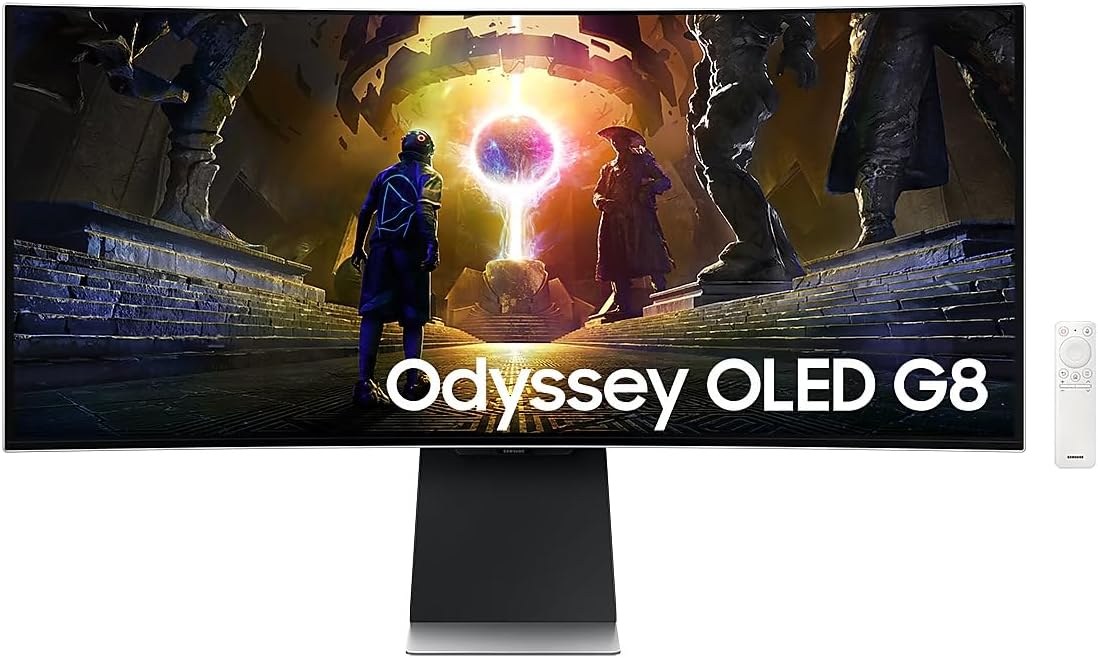
Panel: 34-inch 3440 × 1440 curved OLED
Refresh: Up to 175Hz
Surface: OLED Glare Free
Check your games and desk before choosing 21:9
Many PC games support 21:9, but support varies by title and cutscene. If you mainly play on a console or watch 16:9 video, the extra width often becomes side bars rather than more picture. On a PC, 3440 × 1440 needs about 4.95 million pixels per frame versus 3.69 million at standard 1440p. Make sure the desk can hold an approximately 80cm-wide display and that your graphics card can deliver the frame rates you want at the wider resolution. If it can, compare the live price gap: LG is the sensible LCD choice, while the Samsung’s most tangible gain is OLED image quality rather than its small 15Hz lead.