The useful split in gaming monitors is between resolution, refresh rate and panel type. A 27-inch 1440p IPS screen is easier for a midrange PC to drive at high frame rates. A 32-inch 4K display makes finer detail visible but needs much more graphics power. OLED adds exceptional dark-scene contrast and fast pixel transitions, with a higher price and different care requirements.
| Model | Screen | Maximum refresh | The catch to know |
|---|---|---|---|
| MSI MAG 275QF | 27-inch 1440p IPS | 180Hz on DisplayPort | HDMI is limited to 144Hz; tilt-only stand |
| LG UltraGear 27G610A-B | 27-inch 1440p IPS | 200Hz | A step up mainly for its adjustable stand and HDR400 certification |
| MSI MAG 274QF X24 | 27-inch 1440p IPS | 240Hz on DisplayPort | MSI specifies HDMI 2.0b at 144Hz, despite the Amazon title saying HDMI 2.1 |
| ASUS TUF VG27AQM5A | 27-inch 1440p IPS | 300Hz | No height adjustment on the supplied stand |
| MSI MAG 322URDF E16 | 31.5-inch 4K IPS | 160Hz at 4K; 320Hz at 1080p | 320Hz is a lower-resolution mode, not 4K |
| MSI MAG 271QP QD-OLED X28 | 26.5-inch 1440p QD-OLED | 280Hz | OLED costs more and needs panel-care habits |
MSI MAG 275QF: 1440p without chasing a specification sheet
The MAG 275QF provides a 27-inch 2560 × 1440 Rapid IPS panel, FreeSync and 180Hz through DisplayPort. MSI’s specification limits its two HDMI inputs to 144Hz at native resolution and lists only tilt adjustment. It is a straightforward match for a desktop PC with DisplayPort. A monitor arm can solve the stand limitation if your desk has room for one.
MSI MAG 275QF
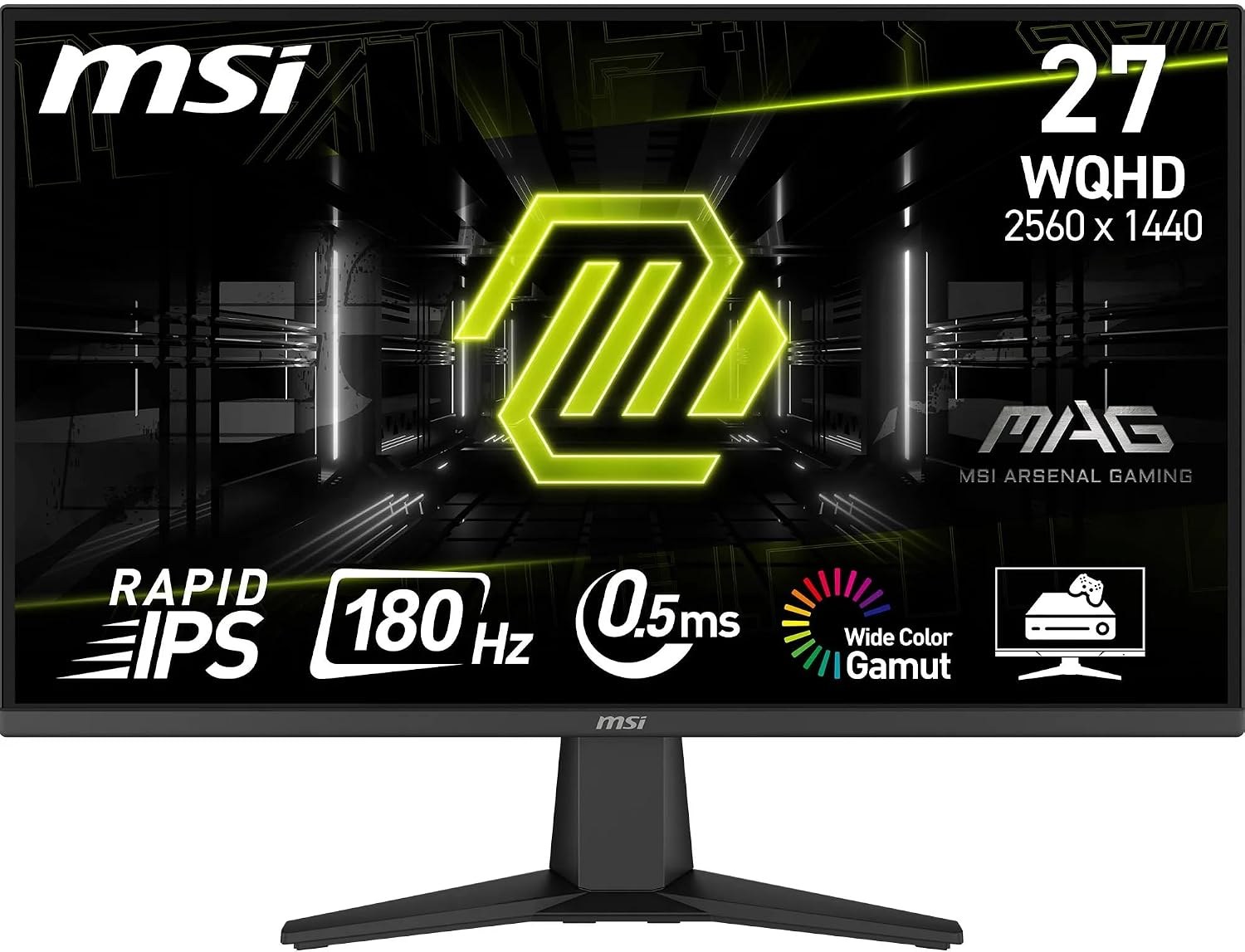
Panel: 27-inch 2560 × 1440 Rapid IPS
Refresh: 180Hz DisplayPort; 144Hz HDMI
Stand: Tilt adjustment
LG UltraGear 27G610A-B: a more flexible desk setup
LG keeps the 27-inch QHD IPS format and raises maximum refresh to 200Hz. Its published specifications list height, tilt, swivel and pivot adjustment, plus VESA DisplayHDR 400. The adjustable stand is a clear reason to consider it when the screen shares a desk with work. HDR400 certification is a feature, but it does not promise OLED-like blacks or strong local-dimming performance.
LG UltraGear 27G610A-B
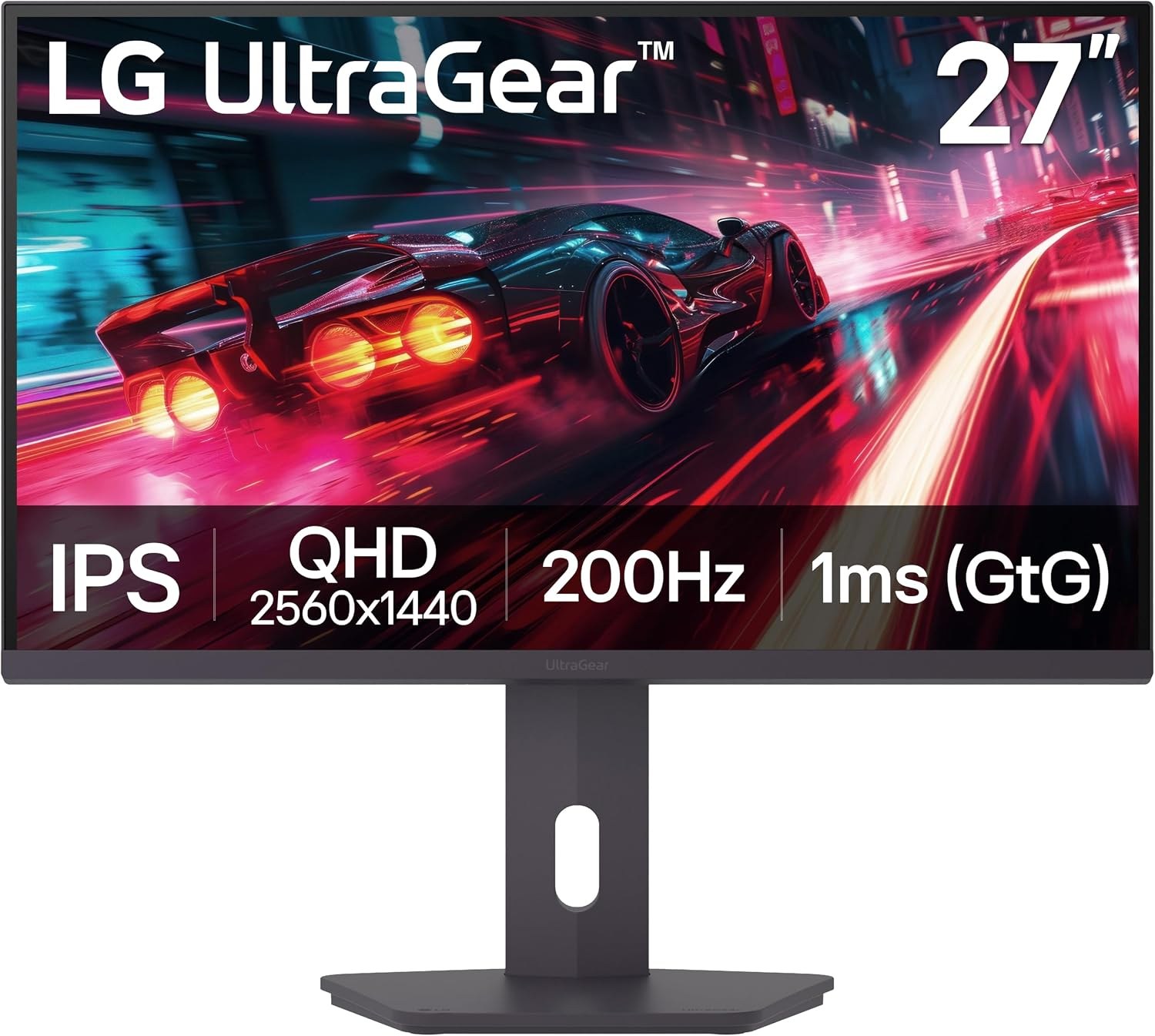
Panel: 27-inch 2560 × 1440 IPS
Refresh: Up to 200Hz
Stand: Height, tilt, swivel and pivot
MSI MAG 274QF X24: 240Hz for a DisplayPort PC
The X24 moves to 240Hz while staying at 1440p. There is an important listing discrepancy: its manufacturer specification says two HDMI 2.0b ports capped at 144Hz and DisplayPort 1.4a for the full 240Hz. The Amazon AU title calls out HDMI 2.1. Buy it for a PC connected by DisplayPort, and use MSI’s port table when deciding what an HDMI-only laptop or console will receive. MSI also lists tilt adjustment rather than a height-adjustable stand.
MSI MAG 274QF X24
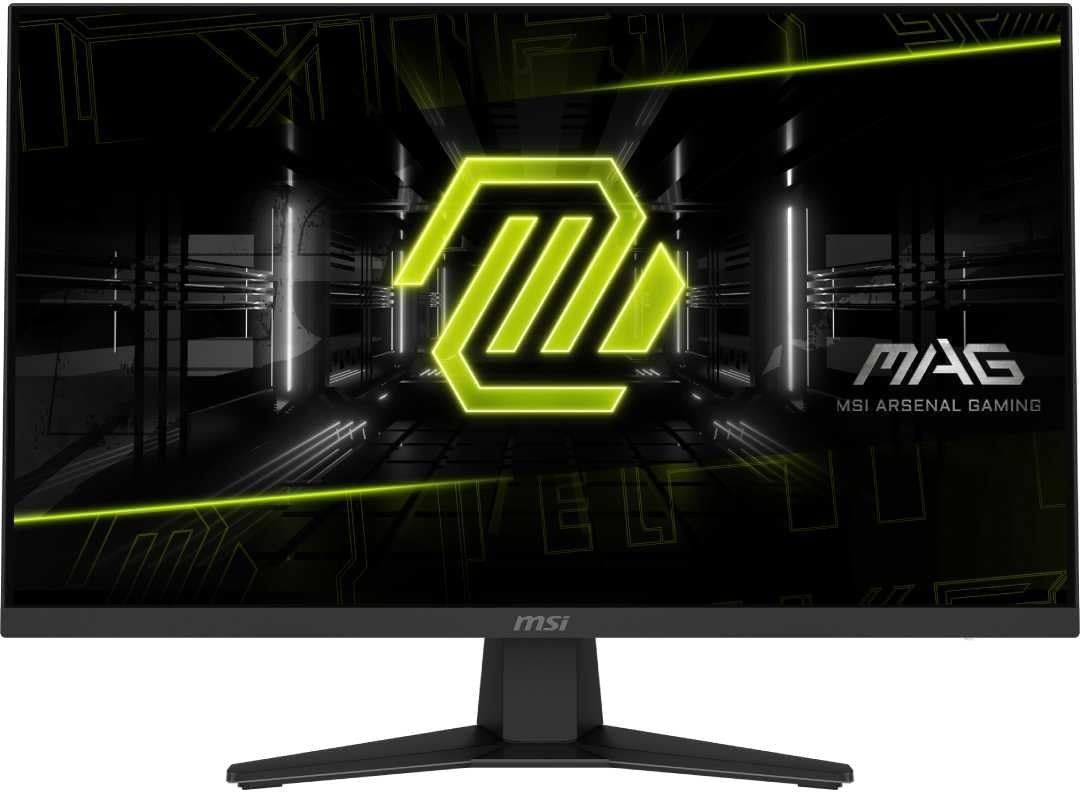
Panel: 27-inch 2560 × 1440 Rapid IPS
Refresh: 240Hz DisplayPort; 144Hz HDMI
Stand: Tilt adjustment
ASUS TUF VG27AQM5A: the 300Hz IPS choice
ASUS reaches 300Hz at 2560 × 1440 and lists two HDMI 2.1 inputs plus DisplayPort 1.4. It supports adaptive sync and includes speakers. The trade-off is ergonomic: ASUS says the stand tilts and swivels but does not adjust in height. At 300Hz, the PC also has to deliver frame rates high enough for the extra refreshes to be useful.
ASUS TUF Gaming VG27AQM5A
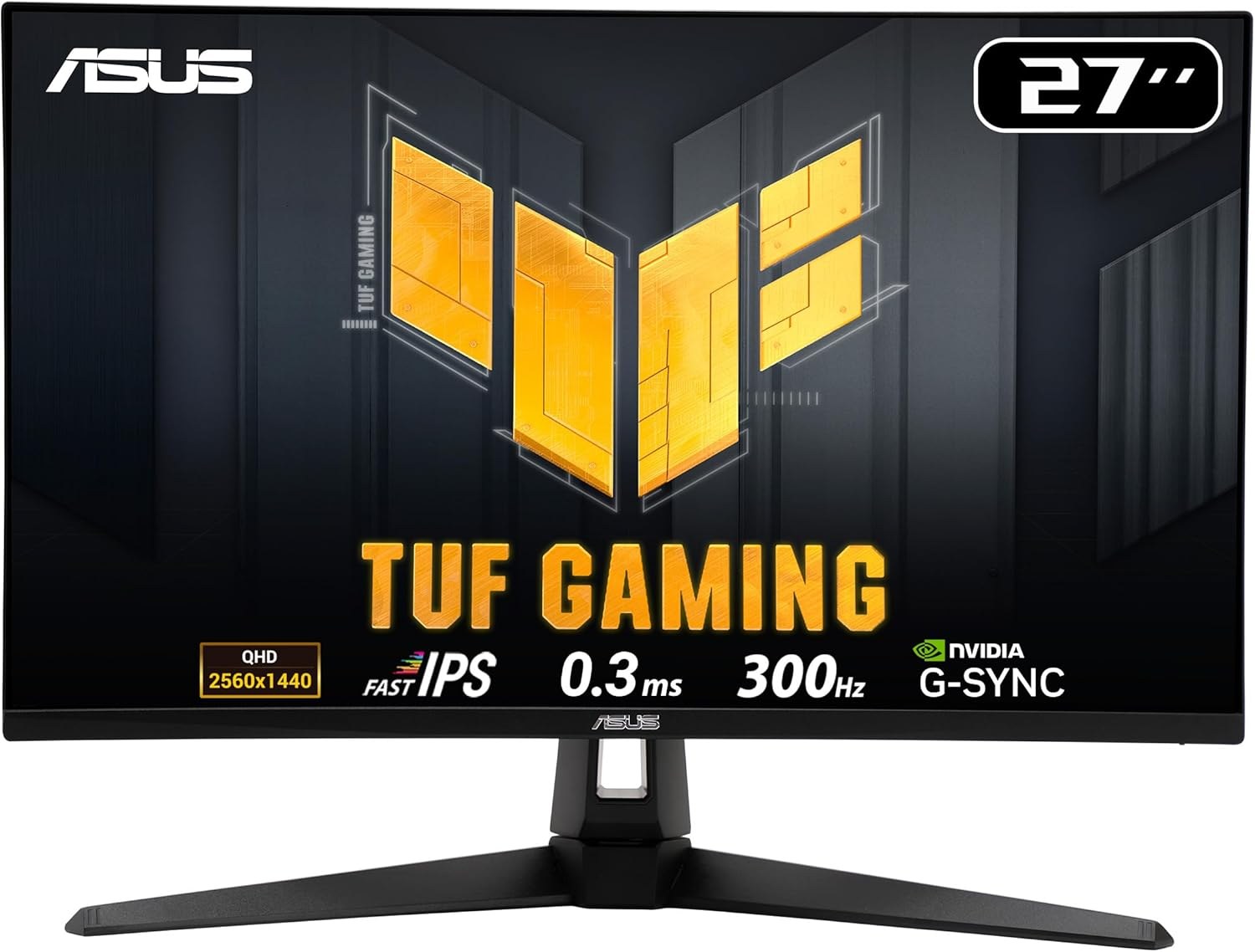
Panel: 27-inch 2560 × 1440 Fast IPS
Refresh: Up to 300Hz
Ports: 2 × HDMI 2.1, DisplayPort 1.4
MSI MAG 322URDF E16: 4K for detail, 1080p for speed
This 31.5-inch IPS screen has two genuine display modes: 3840 × 2160 at 160Hz or 1920 × 1080 at 320Hz. MSI specifies two HDMI 2.1 inputs, DisplayPort 1.4a and support for console VRR. Its large 4K canvas suits games with fine detail and desktop work. The 320Hz mode sacrifices three quarters of the 4K pixel count; it is useful only if you accept that softer 1080p image on a 32-inch panel.
MSI MAG 322URDF E16
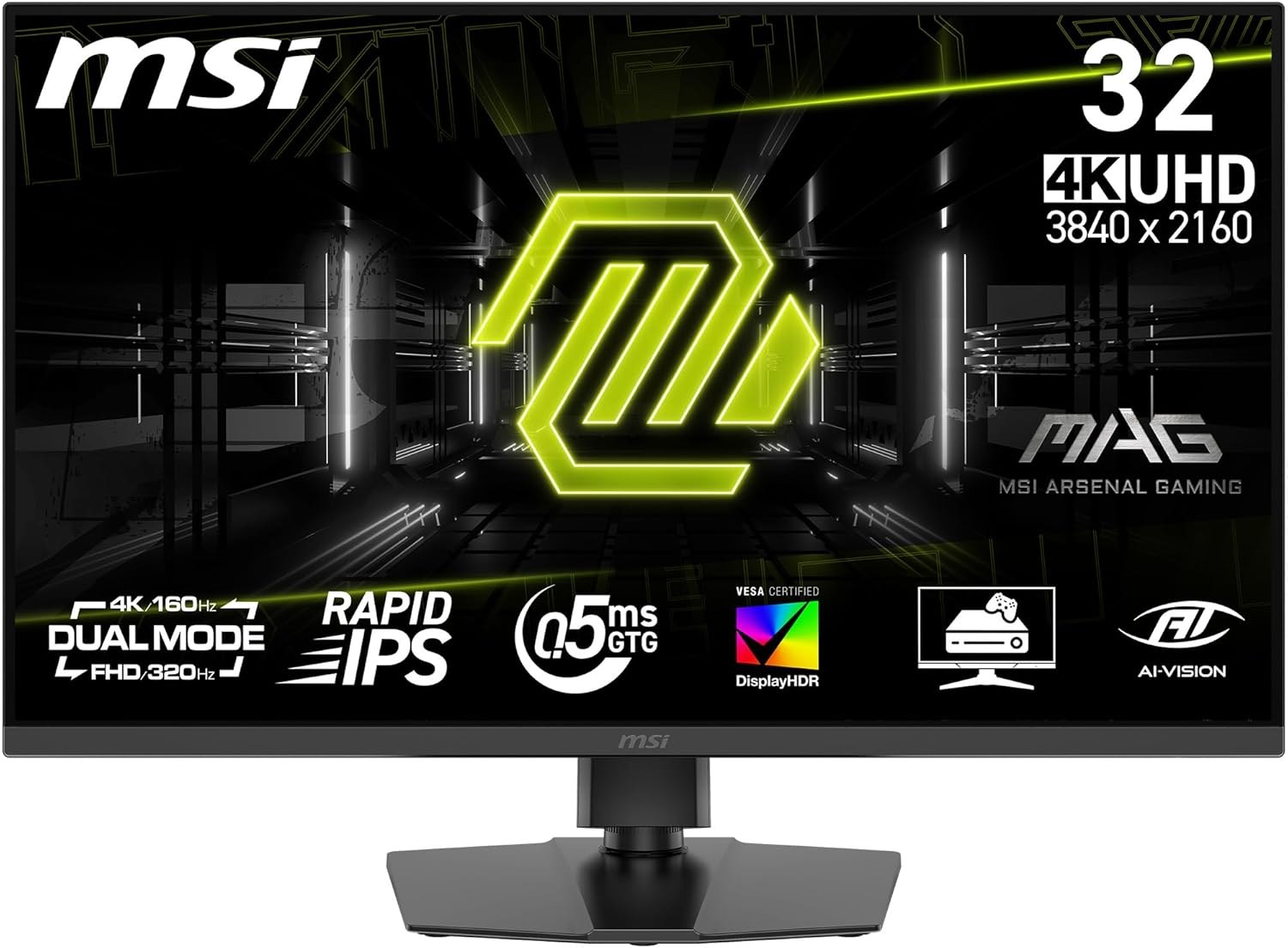
Panel: 31.5-inch IPS
Refresh: 4K 160Hz or 1080p 320Hz
Ports: 2 × HDMI 2.1, DisplayPort 1.4a
MSI MAG 271QP QD-OLED X28: contrast and motion clarity
The OLED option is a 26.5-inch 1440p panel at up to 280Hz. Unlike the IPS models here, each pixel can turn off individually, making dark scenes and highlights look different in a dim room. MSI lists full 280Hz over HDMI, DisplayPort and USB-C, a 15W USB-C power limit, and a three-year warranty that includes panel burn-in. That 15W port is a display connection, not a full-power laptop dock. Static desktop elements still make the built-in OLED care settings worth using.
MSI MAG 271QP QD-OLED X28
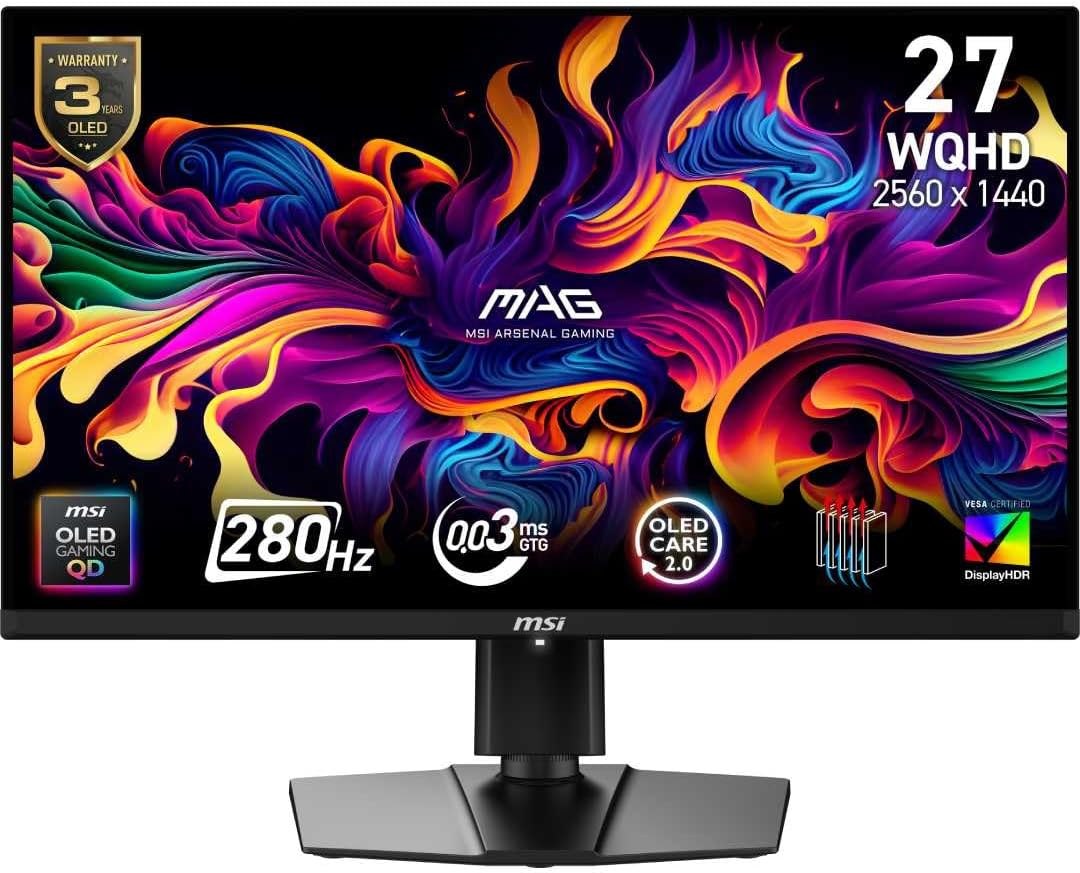
Panel: 26.5-inch 2560 × 1440 QD-OLED
Refresh: Up to 280Hz
Ports: 2 × HDMI 2.1, DisplayPort 1.4a, USB-C (15W)
Which screen fits?
For a value-focused 1440p PC setup, compare the current prices of the MAG 275QF and LG 27G610A-B, paying attention to the stand. Choose the X24 or ASUS when a fast PC and high-frame-rate games justify 240Hz or 300Hz. Choose the 32-inch MSI when 4K detail or 4K console output matters more. The OLED X28 is the most distinct upgrade for dark-scene contrast and pixel response, rather than simply another step on the refresh-rate ladder. Confirm the exact model number at checkout; similar MSI names hide different ports and stands.