All three screens here are around 27 inches and 2560 × 1440, so resolution does not settle the choice. The MSI QD-OLED offers self-lit pixels and 280Hz. The LG and MSI IPS screens use backlights and reach 200Hz and 240Hz. Dark-scene contrast, desk use and port limits matter more than the small difference in diagonal size.
| Model | Panel and refresh | Best reason to consider it | Main compromise |
|---|---|---|---|
| MSI MAG 271QP QD-OLED X28 | QD-OLED, 280Hz | Deep blacks and rapid pixel transitions | Higher cost and OLED panel care |
| LG 27G610A-B | IPS, 200Hz | Adjustable stand and mixed work/gaming use | IPS dark-scene contrast |
| MSI MAG 274QF X24 | Rapid IPS, 240Hz | High-refresh QHD on DisplayPort | HDMI limited to 144Hz; tilt-only stand |
Why the OLED looks different
The MAG 271QP QD-OLED X28 can switch individual pixels off, so a dark game scene does not depend on a backlight shining through an LCD panel. Its 280Hz maximum is available over HDMI, DisplayPort and USB-C, according to MSI. USB-C supplies only 15W of power, which is insufficient to run most laptops as a one-cable dock. MSI lists a three-year warranty including panel burn-in, but that is not a reason to ignore its OLED care functions for static HUDs and desktop windows.
MSI MAG 271QP QD-OLED X28
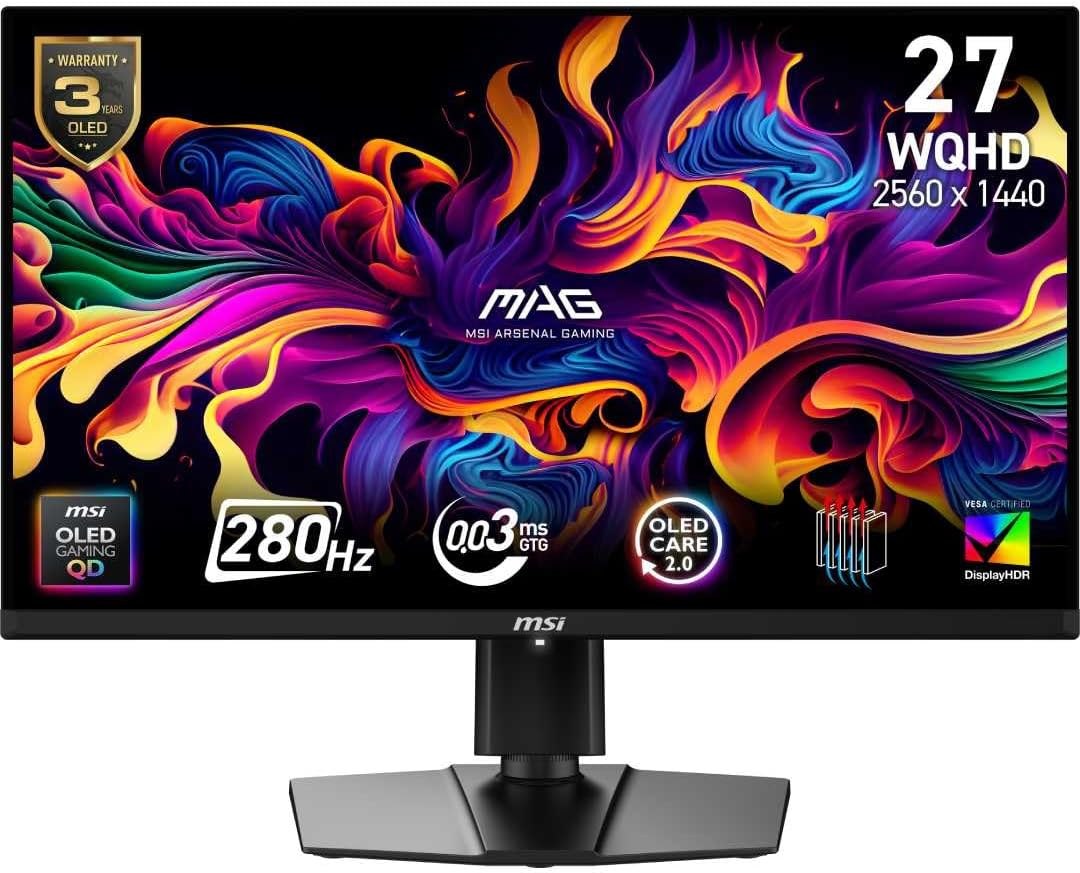
Panel: 26.5-inch 2560 × 1440 QD-OLED
Refresh: Up to 280Hz
Ports: 2 × HDMI 2.1, DisplayPort 1.4a, USB-C (15W)
Where an IPS screen is easier to own
The LG 27G610A-B suits a PC used for both games and long periods of browser, document or coding work. LG lists height, tilt, swivel and pivot adjustment; the OLED above also has an adjustable stand, but IPS removes the OLED burn-in consideration. The LG reaches 200Hz, already above what many games will render at QHD. Its DisplayHDR 400 certification does not give it the OLED’s per-pixel blacks.
LG UltraGear 27G610A-B
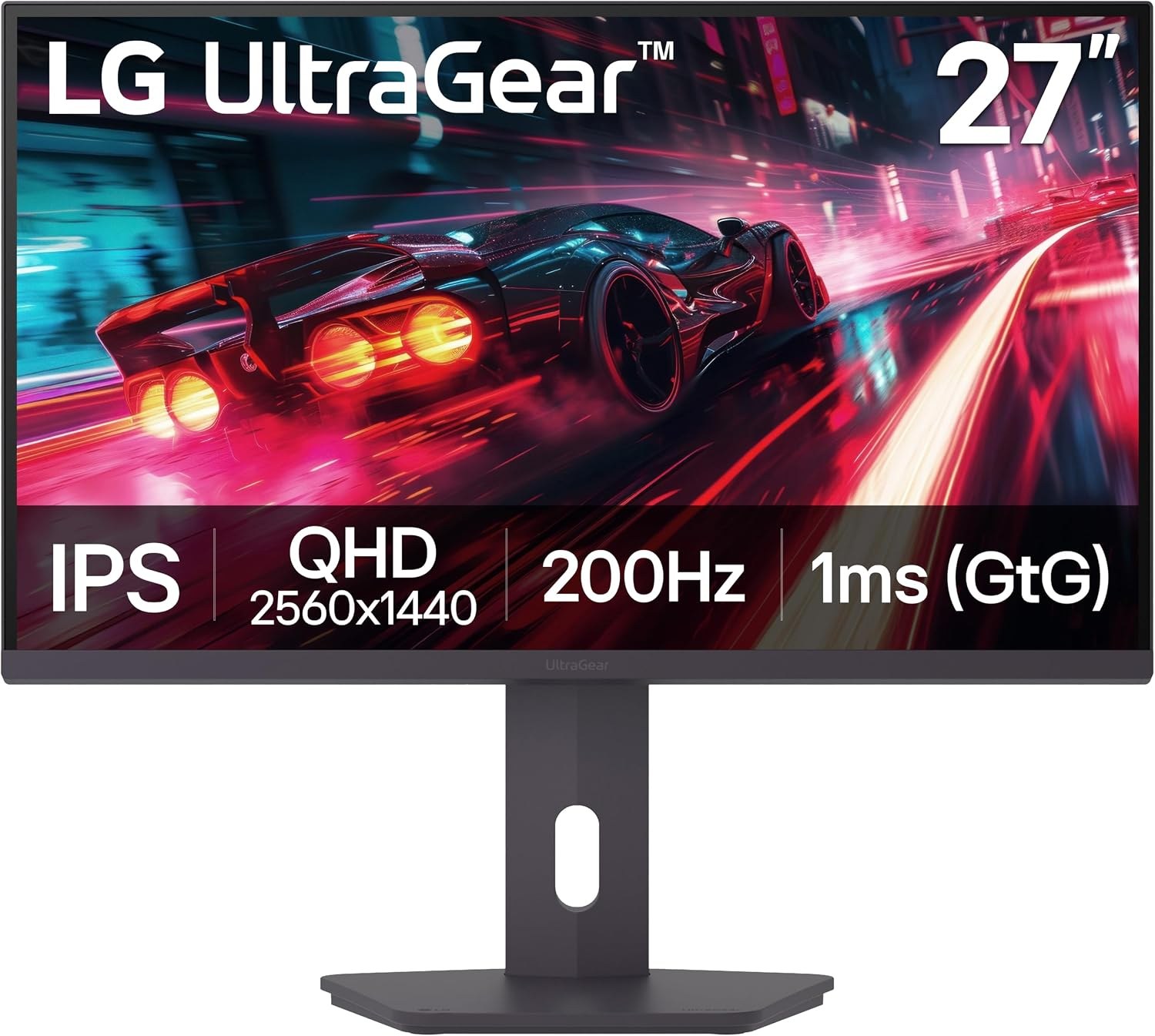
Panel: 27-inch 2560 × 1440 IPS
Refresh: Up to 200Hz
Stand: Height, tilt, swivel and pivot
The 240Hz IPS middle ground
MSI’s MAG 274QF X24 increases IPS refresh to 240Hz. That can be attractive when the PC regularly exceeds 200fps and the OLED price is difficult to justify. MSI’s port table requires DisplayPort for 240Hz; HDMI is limited to 144Hz at 1440p. The stand tilts only. Those two limits are worth more attention than the Amazon title’s claim of HDMI 2.1.
MSI MAG 274QF X24
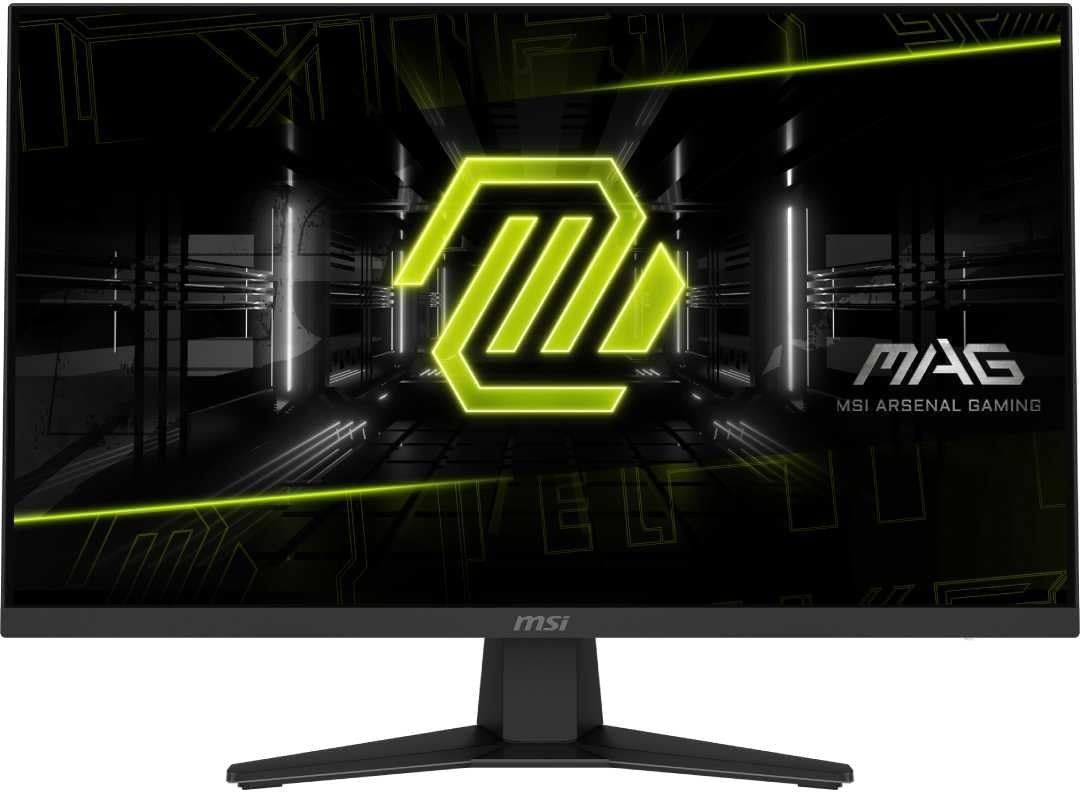
Panel: 27-inch 2560 × 1440 Rapid IPS
Refresh: 240Hz DisplayPort; 144Hz HDMI
Stand: Tilt adjustment
Pick for the room and the workload
Choose OLED for games and films where dark scenes and motion clarity justify the extra spend, especially in a dim room. Choose IPS when the monitor will show static desktop content for many hours, when the budget is tighter, or when the LG’s stand solves a desk problem. Check the live prices and warranty terms of the exact model before buying; refresh rate alone leaves most of the difference unexplained.